Turn Photo Into Coloring Page
Turn photo into coloring page in seconds: upload a picture and get a clean black-and-white page you can print at home.
Turn a Photo Into a Coloring Page in 3 Steps
What Kind of Photo Makes the Best Coloring Page
Photos with one clear subject turn into the cleanest coloring pages: a pet, a toy, a house, a favorite car. Good light and a plain background help the outlines stay simple.
Busy scenes, tiny details and very dark photos give more lines than a child can color comfortably. If a result looks crowded, crop closer to the subject and try again.
Letter-Size Coloring Pages, Ready to Print
Every page is laid out for US Letter paper (8.5 × 11 in), the size most home printers use. Print it straight from the PNG with “fit to page” turned on.
Free pages print fine on Letter paper, just a little softer. The HD version is made for 300 DPI Letter prints and comes out sharper.
Free Sample Coloring Pages
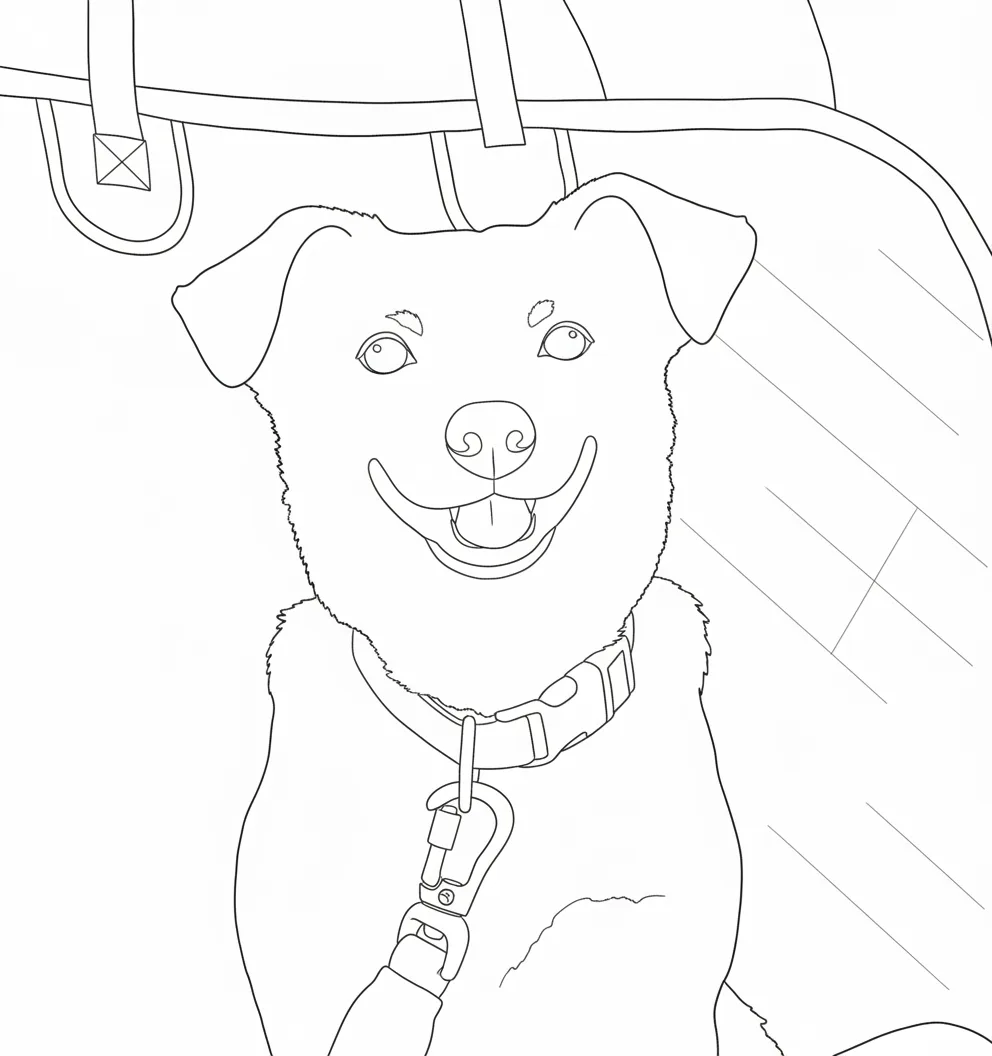
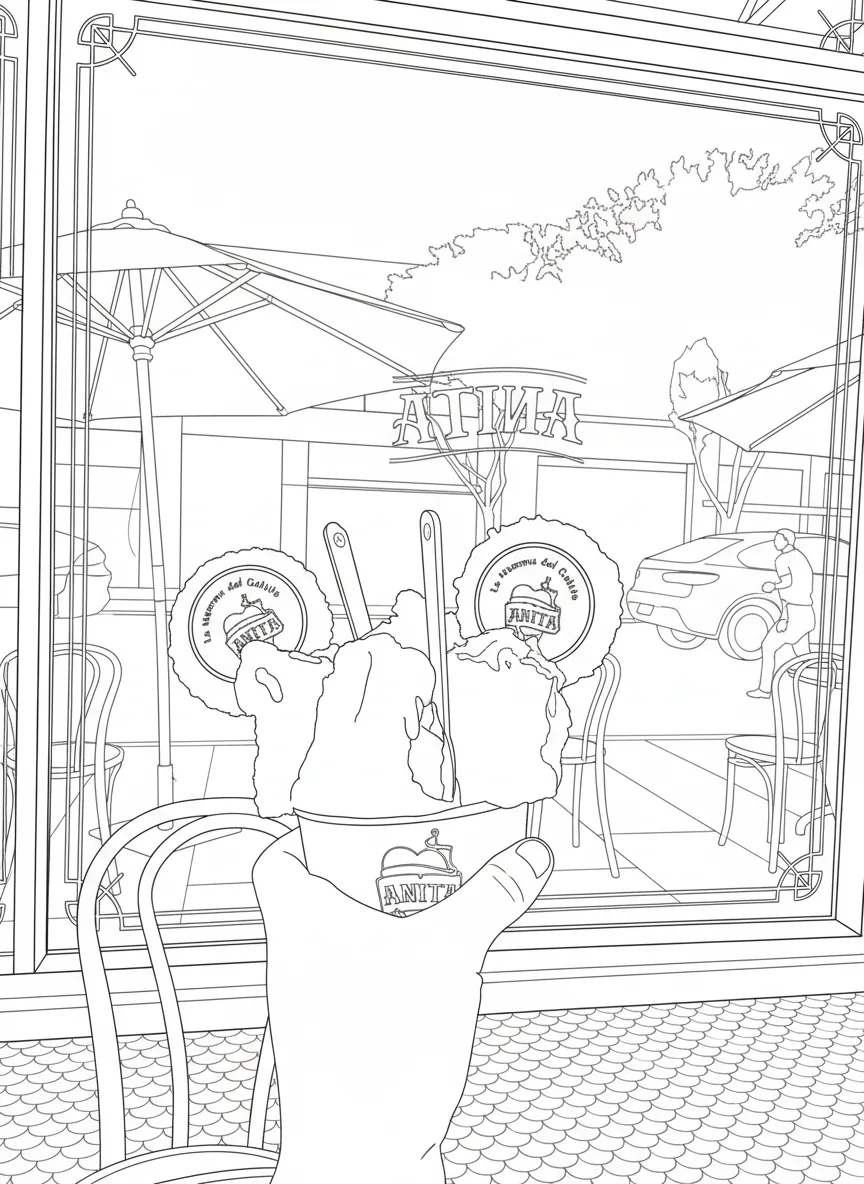
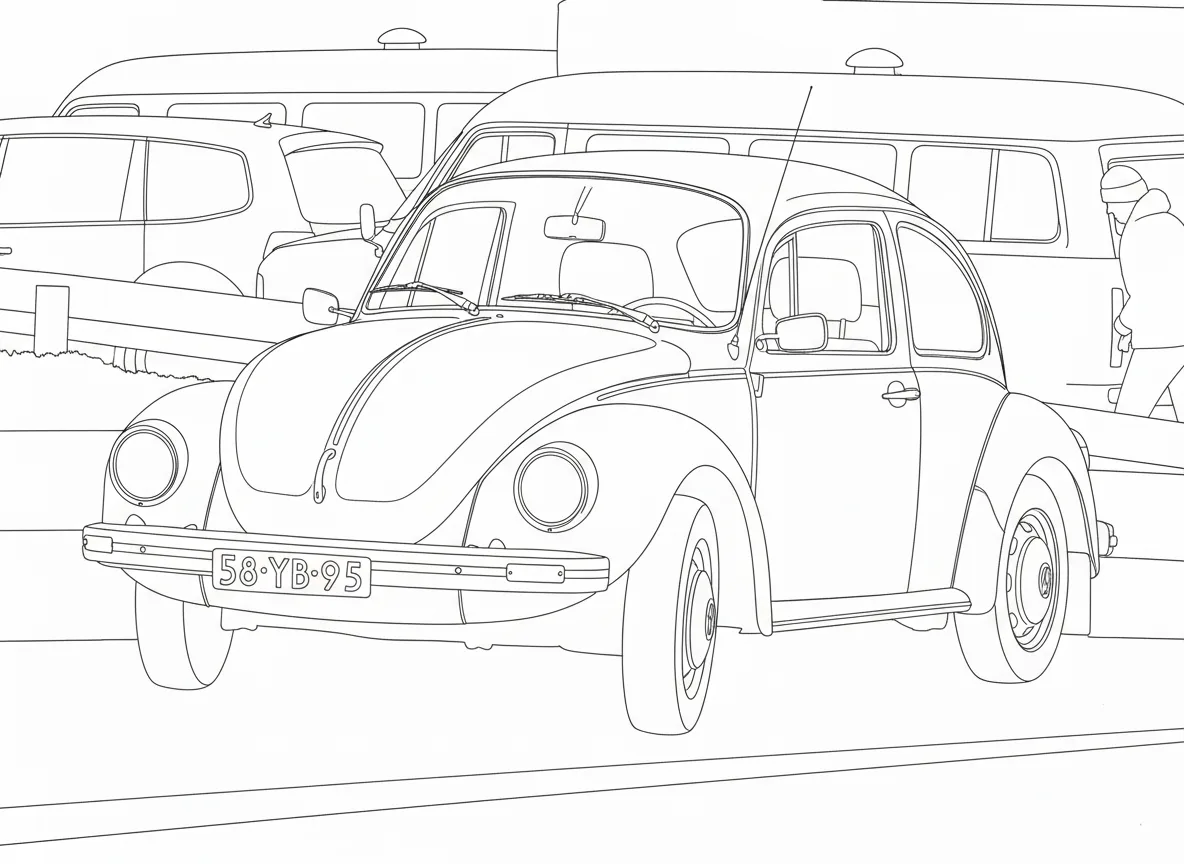
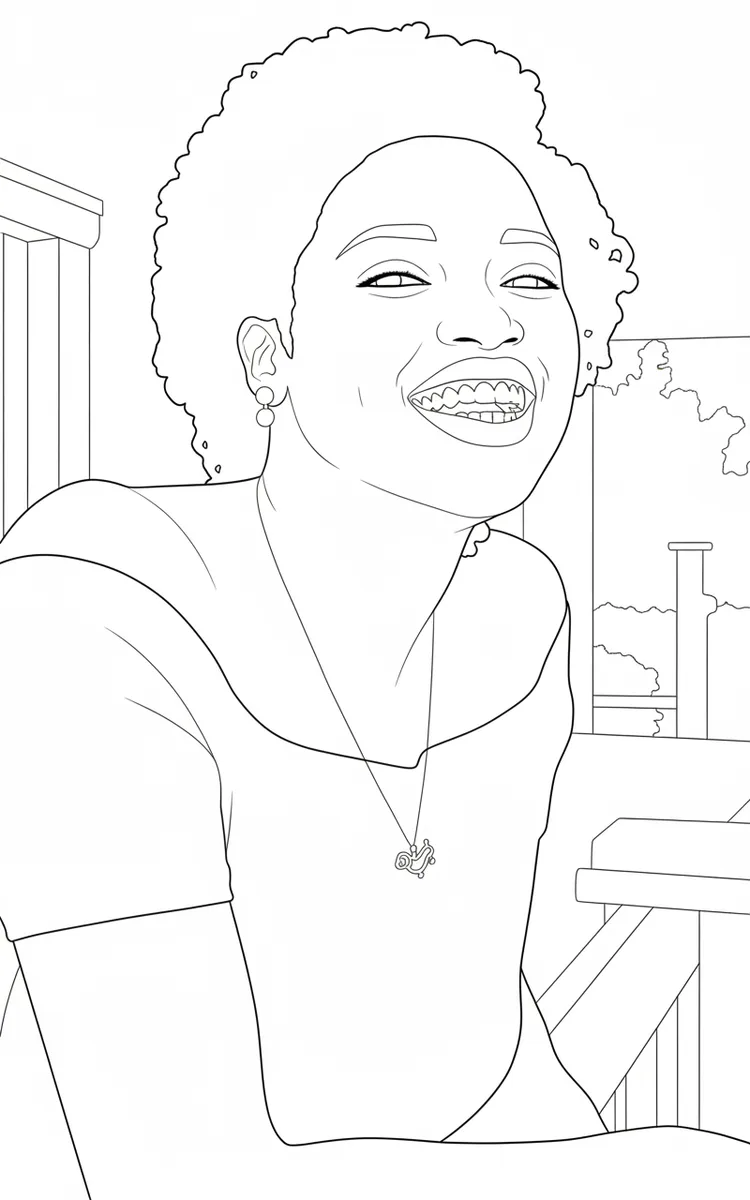
More Coloring Tools
Frequently Asked Questions
Yes. You can make a free coloring page every day and download it as a PNG. If you want a sharper print, the HD version is available on a paid plan.
A clear, well-lit photo with one main subject gives the cleanest lines. Pets, toys, buildings and vehicles work especially well.
Pages are sized for US Letter (8.5 × 11 in). Print with “fit to page” for the best margins.
Yes. Pet photos are one of the most popular uses. Choose a photo where the whole animal is visible and in focus.